![logo big.png]](https://help.togal.ai/hs-fs/hubfs/logo%20big.png?height=50&name=logo%20big.png)
Tutorial Video
Once you have done your takeoff and want to apply this to multiple units, you can do this using the multiplier or breakdown functions.
How to add a multipler to a drawing with one unit :
- Click "Export" in the top right corner.

- Click "Drawings".
- Click "Add multiplier"and set how many units you want to multiply this by.
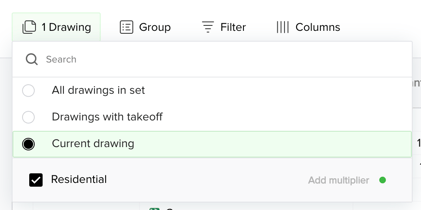
- You can see this reflected in your export data.
How to use the breakdown tool for multiple units on one drawing:
- Click "Breakdown"
- Create "Create a Breakdown for this Set".
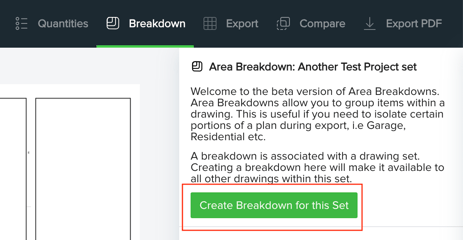
- Label the different ways you want to breakdown the data.
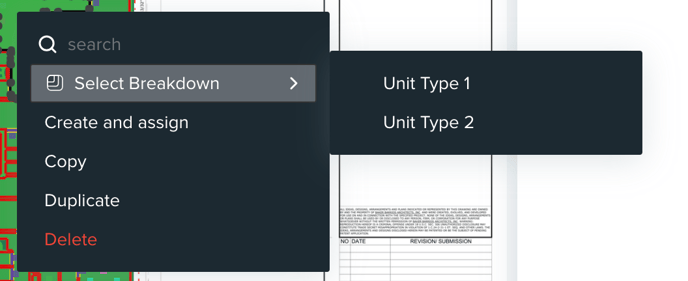
- Select the items you want to assign to each breakdown. Right click and assign to the correct breakdown.
- Navigate to "Export". Click "Group By" and select Breakdown.
- Export and apply the multiplier to your data in Excel.